Search and filter conversations
Find conversations by text or by team, project, source, and more filters.
The Conversations screen gathers all your organization’s recordings and transcripts. From there you can search by text and combine filters.
Browse the list
- Open the Conversations section from the sidebar.
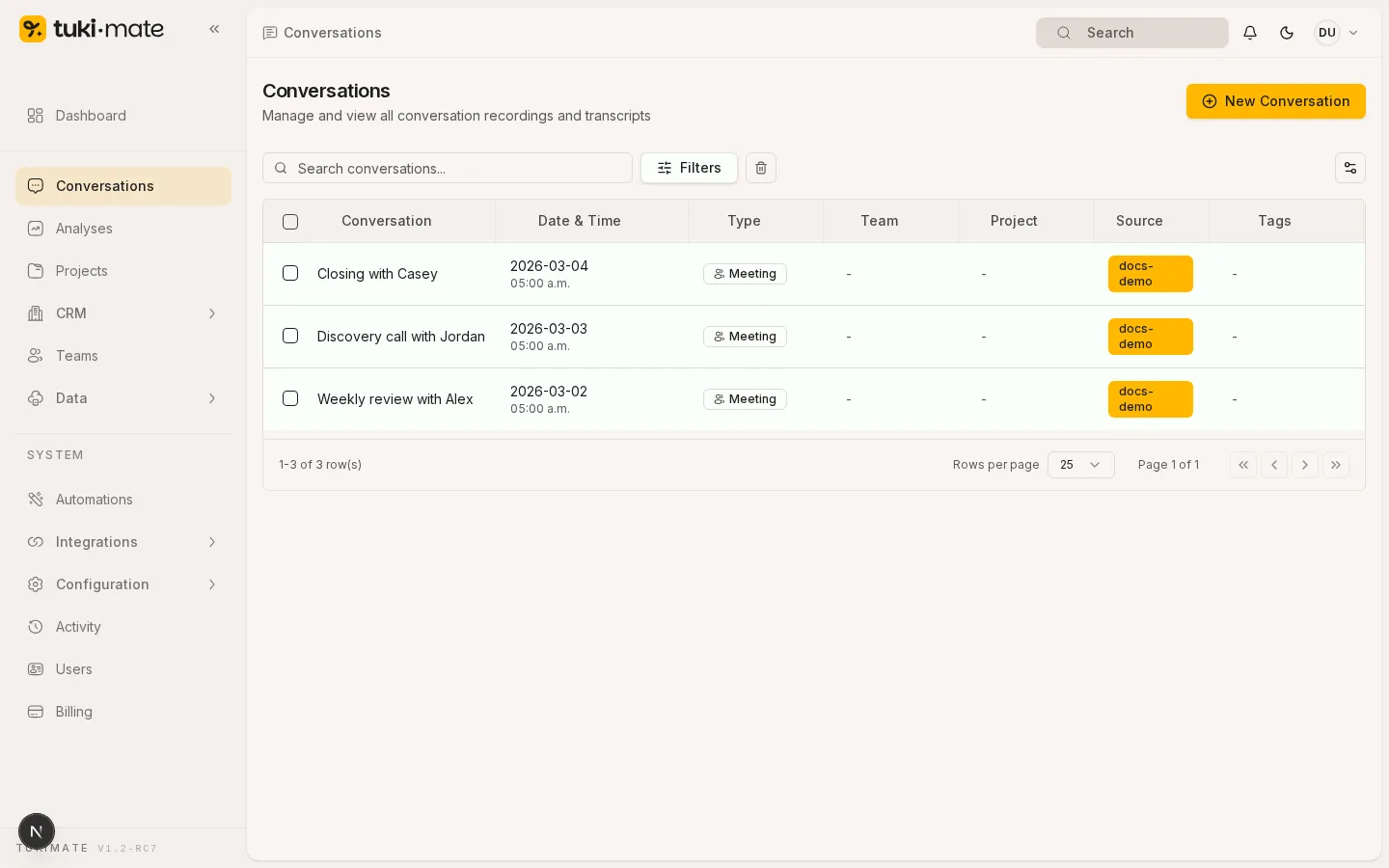
Each row shows the title, date, type, and source of the conversation.
Search by text
- Type in the Search conversations… field.
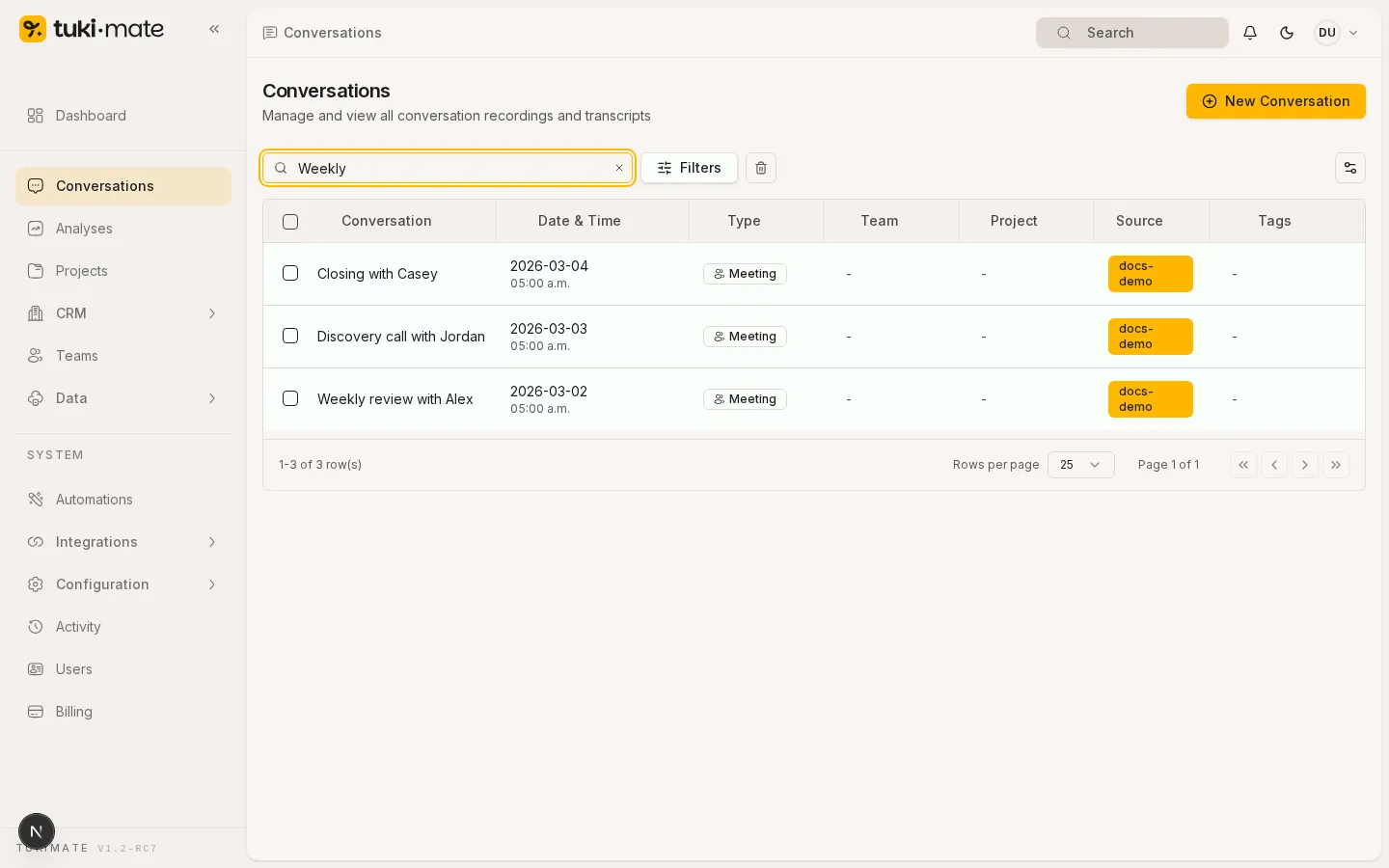
The list filters as you type. Search covers titles and transcripts.
Combine filters
- Click Filters to open the filter panel.
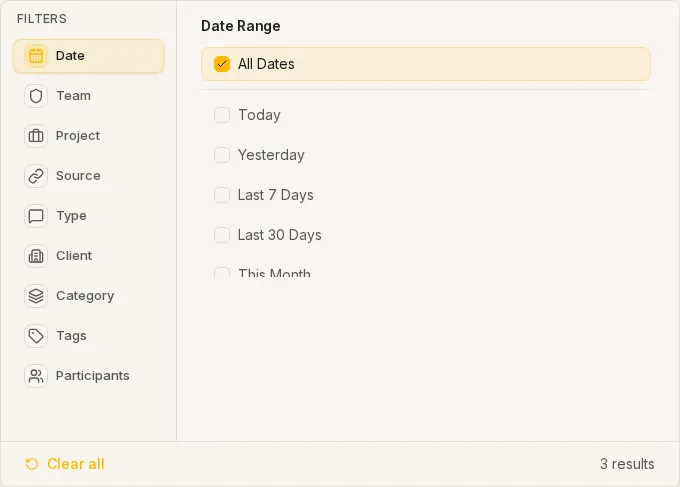
You can combine team, project, source, type, client, tags, participants, and date range. Filters apply automatically.