Analyze conversations with AI
Launch batch analyses over your conversations and track their progress in Jobs.
You can ask the AI to analyze one or several conversations at once: the request is queued as a job that you can track from the jobs screen.
Launch the analysis
- In Conversations, check the header checkbox to select every conversation on the page.
- Click Analyze.
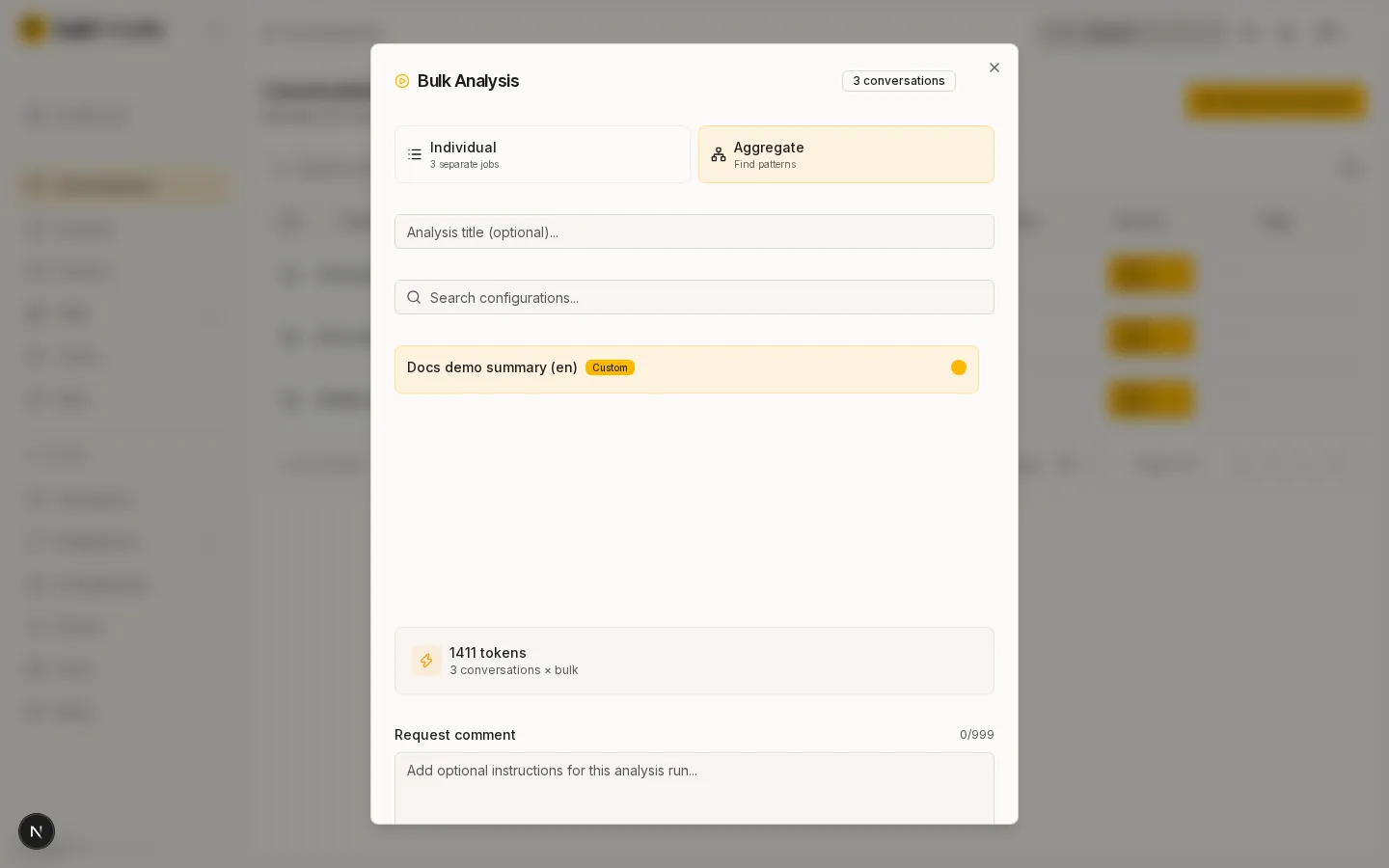
- Pick the analysis configuration in the Bulk Analysis dialog.
- Click Start Analysis. The dialog closes and you will see a confirmation: the job is queued.
Track progress
- Open the Analysis Jobs section to see the status of your jobs. When a job finishes, its results appear under Analyses.