Track your opportunities in the pipeline
See your opportunities by stage, with their values and statuses.
The Opportunities screen shows your sales pipeline: each card is an opportunity placed in its stage, with its estimated value and status.
Browse the pipeline
- Open the Opportunities section from the sidebar.
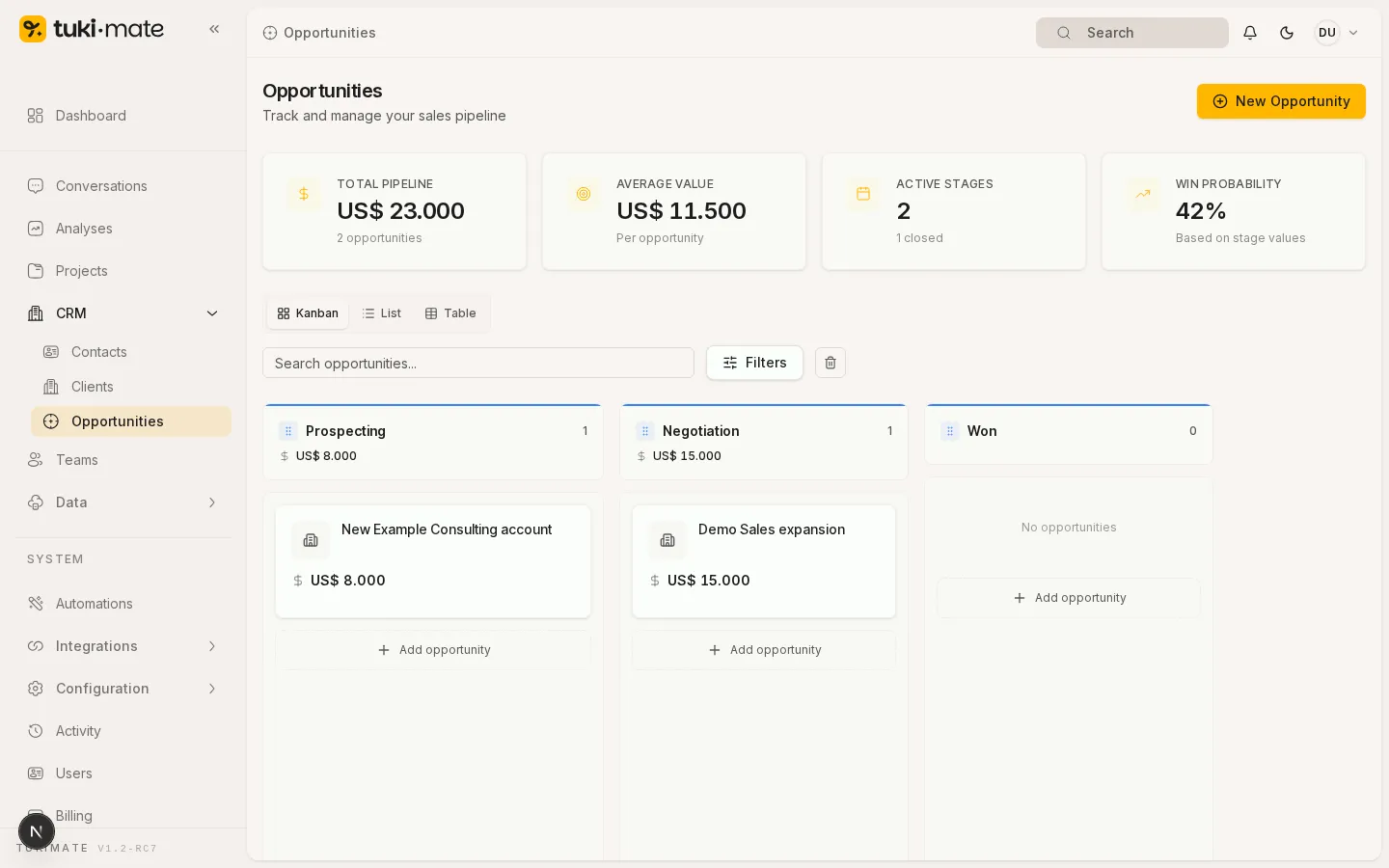
Columns match the stages of your process (for example Negotiation) and each card shows the opportunity title and value.