

Chat page
Talk to the AI full screen about your conversations, analyses, and data, and go back to earlier chats.
AI Chat is an assistant you ask in plain language about your conversations, analyses, and data. This guide covers the full page; the floating panel is explained in AI chat.
Open the chat
- In the sidebar, open AI Chat.
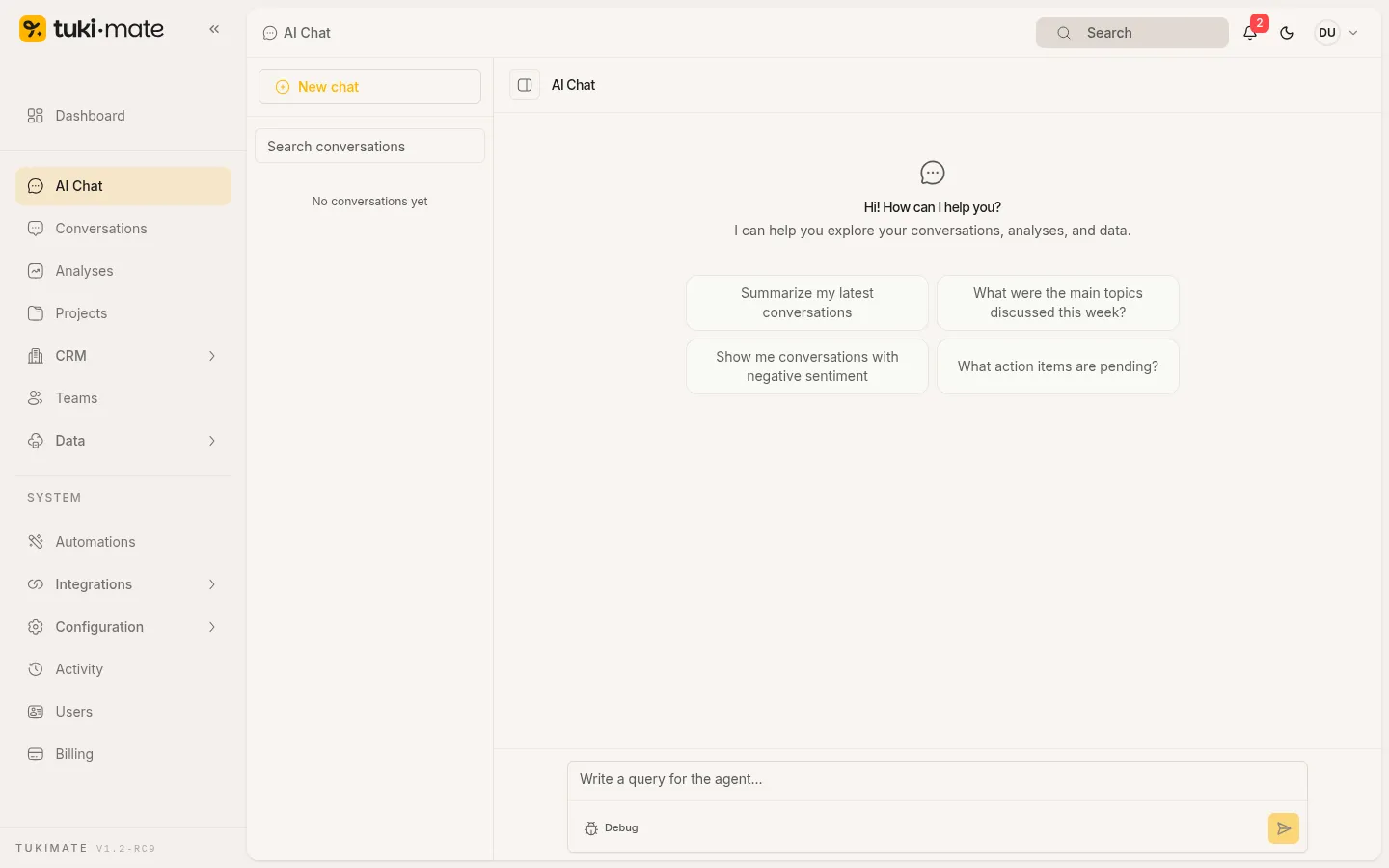
The welcome screen suggests questions to start with, for example Summarize my latest conversations or What pending actions are there?. Click one or type your own in the text box.
Chat
- Type your query and send it.
- Debug turns on debug mode, meant for reviewing how the assistant works; a notice confirms whether it is on or off.
Go back to an earlier chat
- Click New chat to start from scratch.
- In Chat History you find your earlier conversations: search in Search conversations or remove one with Delete chat. Until you have chatted, the list shows No conversations yet.
Rate an answer
Below each answer you can mark whether it helped. If it did not, tell us what was missing: that comment helps improve future answers.