

AI chat
Open the AI chat panel, use suggestions, and manage the conversation.
The floating assistant button opens an AI chat panel with the context of the contact you are viewing. You can ask questions about that person and their conversations.
Open the panel
- Open a contact record.
- Click the floating assistant button.
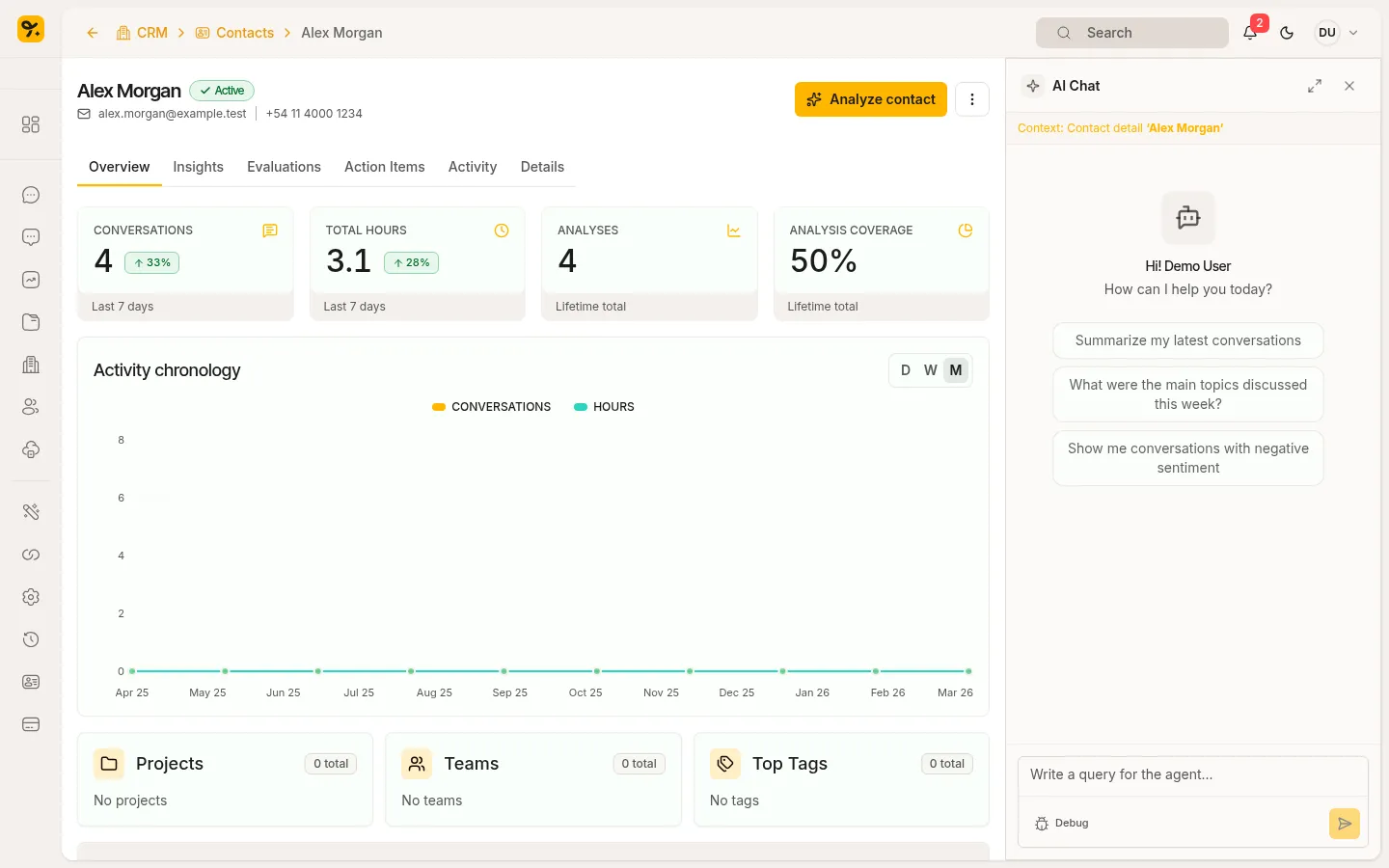
The panel shows the current context (the banner tells you who you are asking about) and the history of the conversation with the assistant.
Chat
- Type your question in the text field and send it. If it is your first message, you will see suggestions to start with.
- Close with the X when you are done; the main content reflows on its own. The panel also closes on its own when you change routes, and on the dedicated chat page the button does not appear because you are already chatting there.