

Analysis jobs
See job statuses, filter, and retry, cancel, or delete.
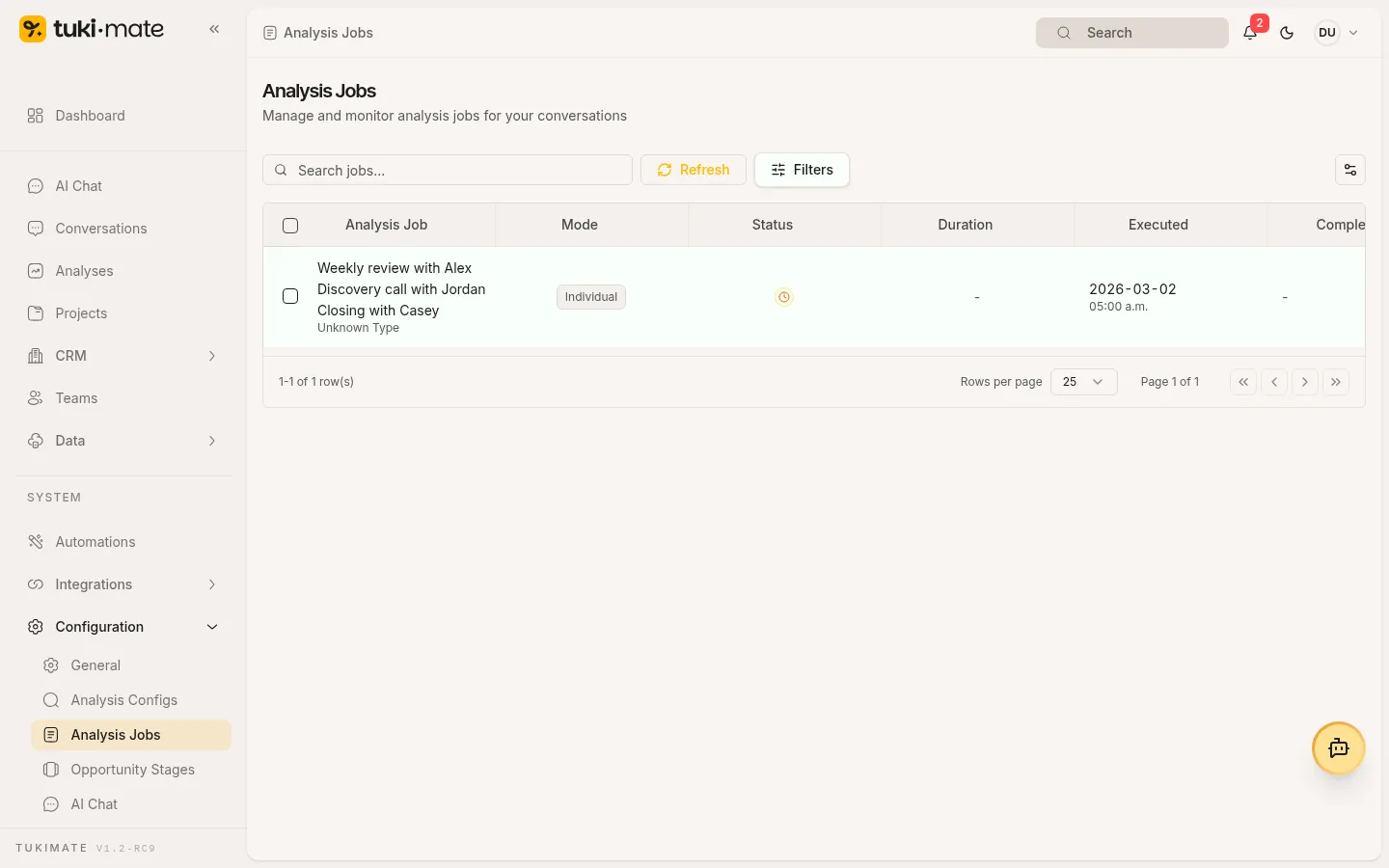
The Analysis Jobs screen shows every analysis job in your organization with its type, status, and retries.
Browse jobs
- In the sidebar, open Configuration and go to Analysis Jobs.
Read statuses
Each row shows the included conversations, the mode, the status, and the retries:
- Queued: waiting its turn.
- In Progress: running now.
- Completed: finished well; results are under Analyses in the sidebar.
- Failed: something went wrong; you can retry it.
- Cancelled: stopped by a user.
Filter and act
Filter by type, by status, or by text to find a job. On each row you can View Details, Retry, Cancel, or Delete depending on its status.