

Analysis configurations
Activate templates or create your own configurations that define how the AI analyzes your conversations.
An analysis configuration tells the AI what to look for in a conversation and how to return it. Enabled configurations are the ones you can pick when you run an analysis.
See the configurations
- In the sidebar, open Configuration and go to Analysis Configs.
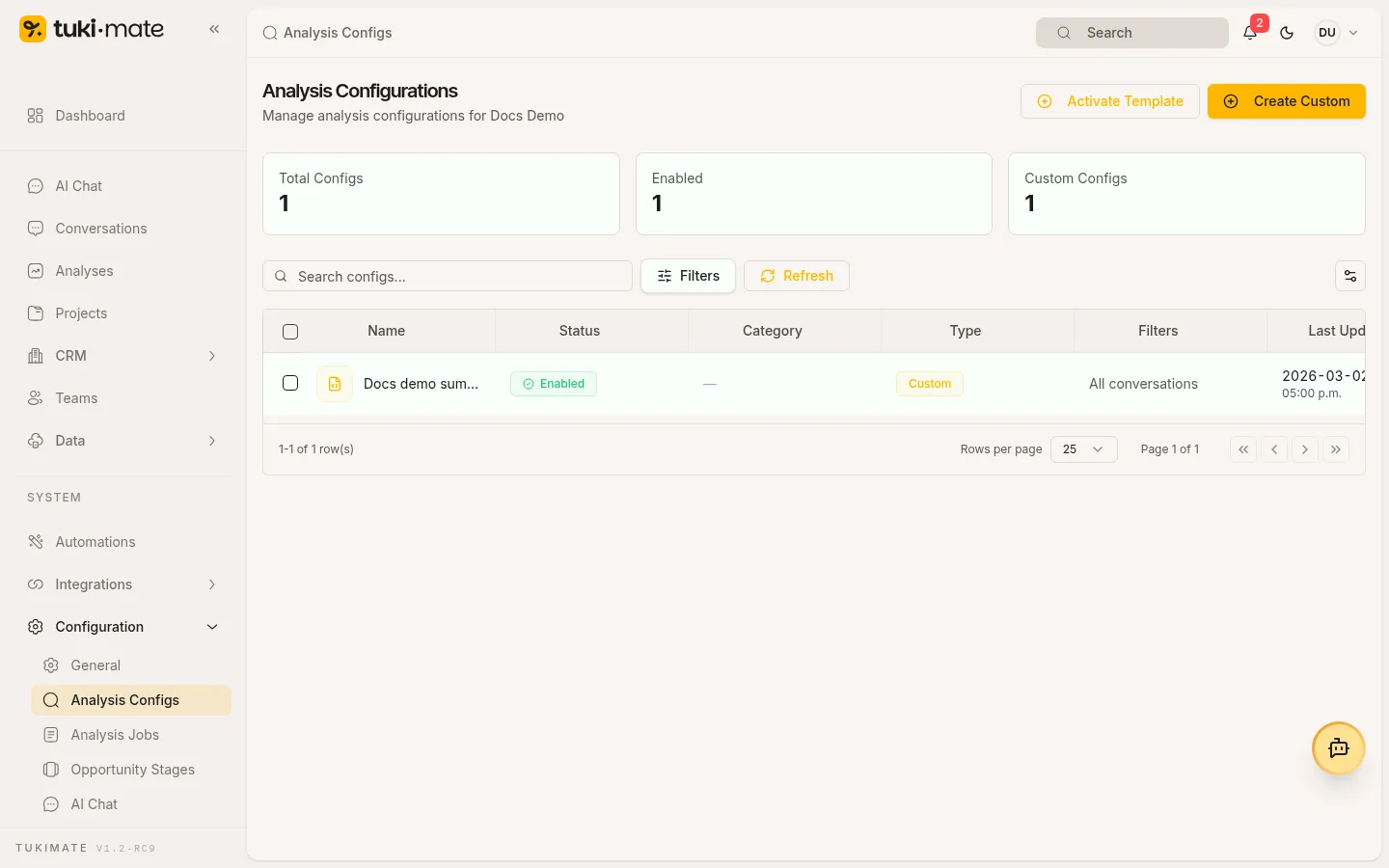
At the top you see how many there are in total (Total Configs), how many are Enabled, and how many are Custom Configs. The table shows each one’s Name, Status, Category, Type, Filters, and Last Updated.
Activate a template
- Click Activate Template.
- Find the template you need in Search configurations… and click Activate.
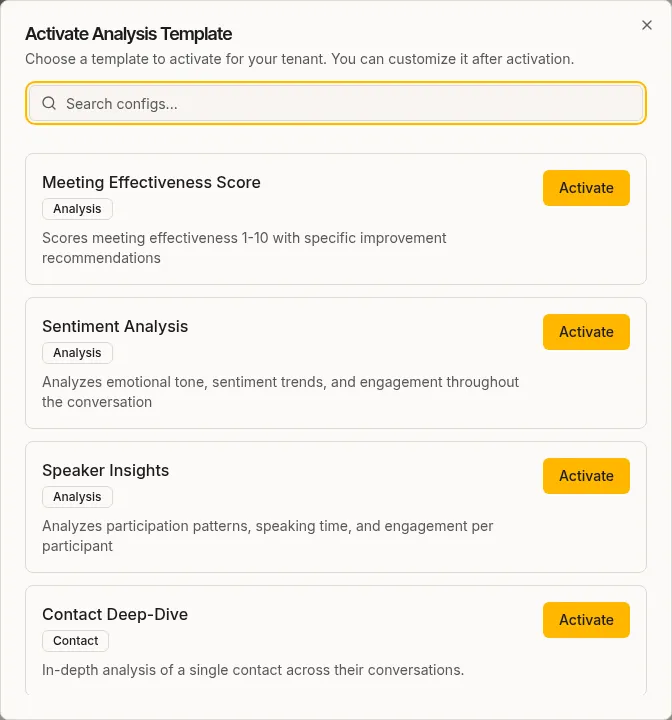
You can customize the configuration after activating it.
Create your own configuration
- Click Create Custom. The wizard has three steps: Basics, Output Schema, and Prompt & Review.
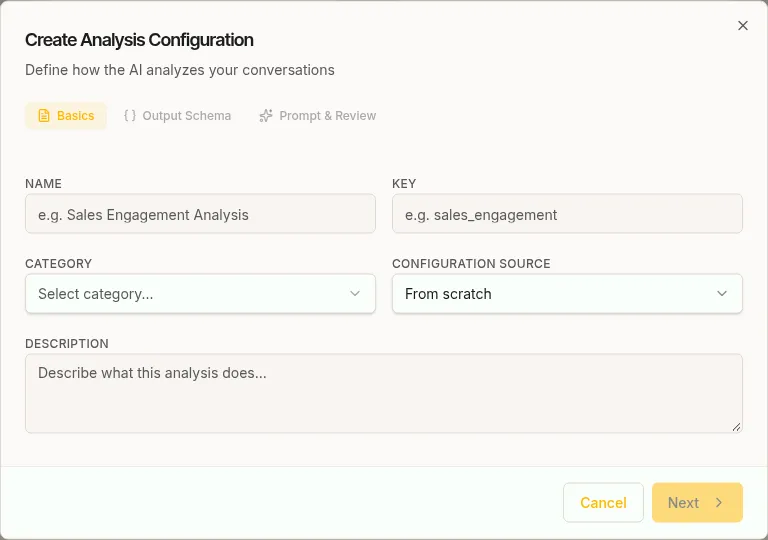
- In Basics, fill in Name, Key, Category, and Description. Under Configuration source choose From scratch or Based on template.
- Click Next to define the Output Schema (the structure of the result) and then the Prompt & Review.