

Clients
Browse the client list with type, status, and contact data.
The Clients screen gathers the companies and organizations your team works with.
Browse the list
- Open the Clients section from the sidebar.
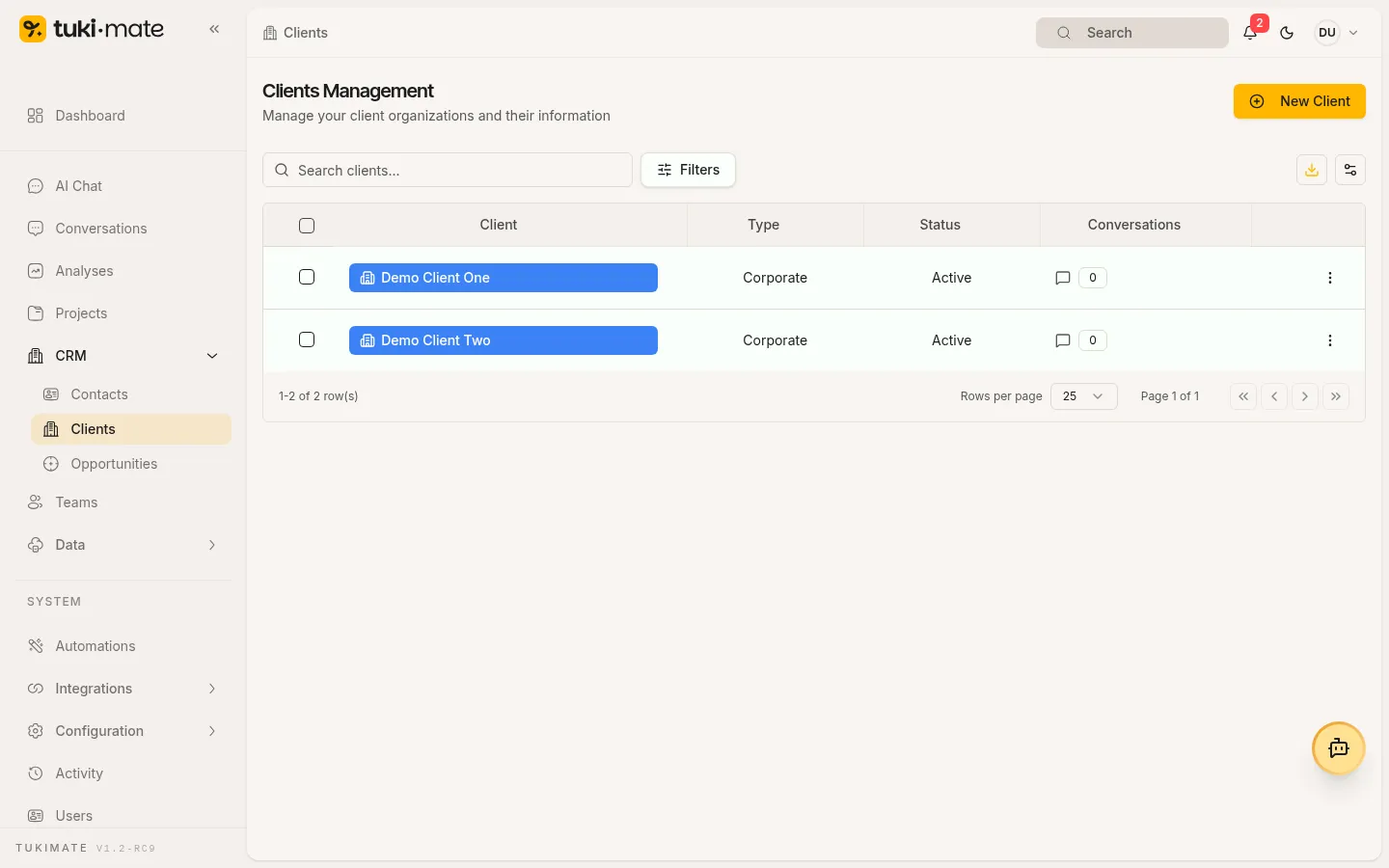
Each row shows the name, code, type (corporate or individual), status, conversation count, and primary contact email. Like the rest of the tables, you can sort, search, and paginate.