

Opportunities
Kanban, list, and table views; drag cards, create, edit, and delete.
The Opportunities screen shows your sales pipeline in three views: kanban board, list, and table.
Browse the pipeline
- Open the Opportunities section from the sidebar.
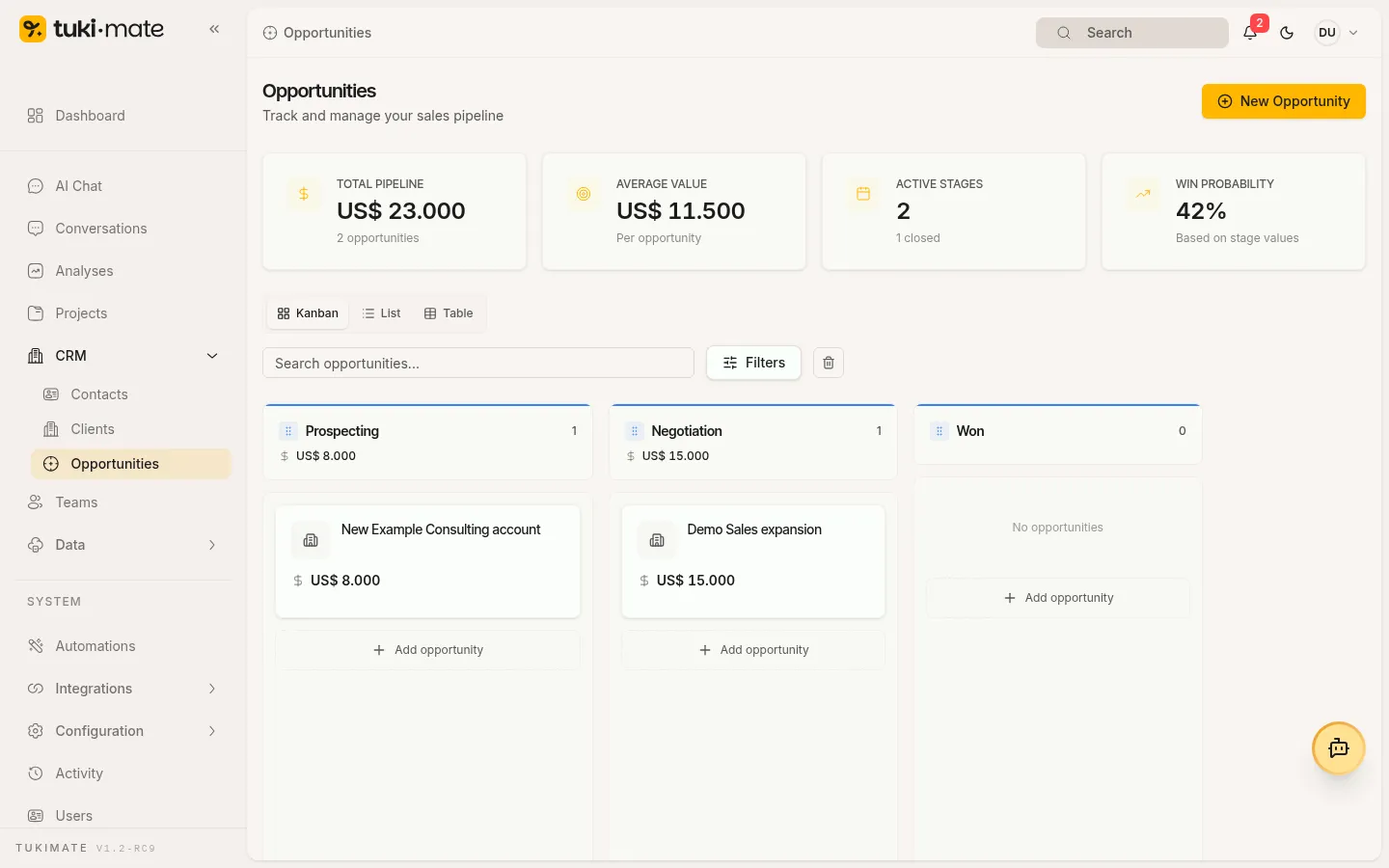
The columns match the stages of your process (for example Negotiation) and each card shows the opportunity title and value.
Move and manage
Drag cards between columns to change their stage. With each card’s buttons (or from the detail) you can create, edit, and delete opportunities; deleting moves to the trash, from where they can be restored or permanently deleted. The top-bar filters narrow by stage, status, and type.