

Notifications
See your alerts from the bell, open each topic, and clear your inbox.
The bell in the top bar tells you about important events: finished or failed analyses, imported conversations, assignments, and alerts from your automations. The red number on the bell shows how many alerts are unread.
Open notifications
- Click the bell in the top bar.
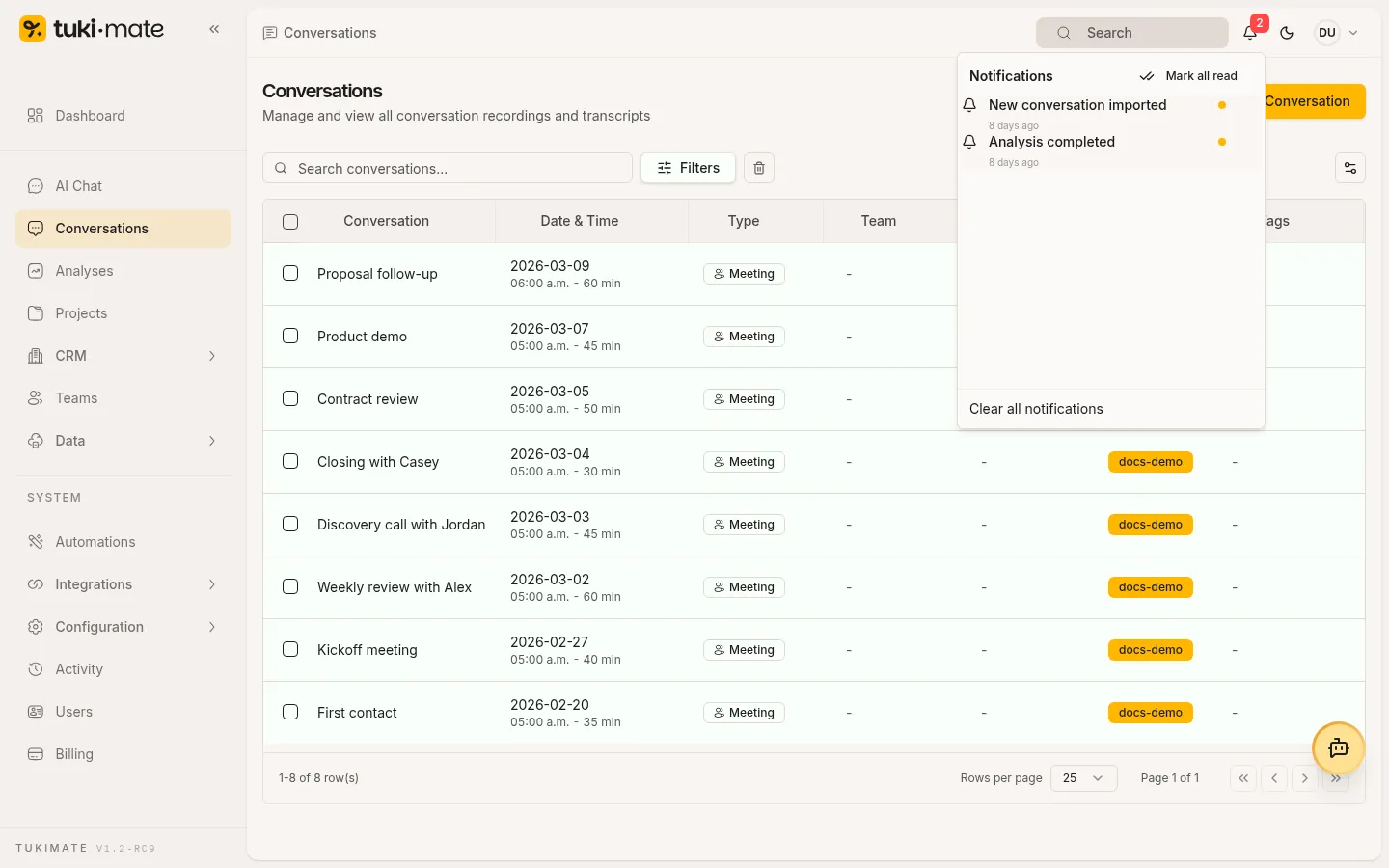
You see your most recent alerts with their date. New alerts show up on their own, without reloading the page.
Open an alert and mark it as read
- Click an alert to open the item it refers to (for example, the analysis or the conversation). Opening it marks it as read.
- Click Mark all read to reset the counter in one go.
Clear your inbox
- Click Clear all notifications at the bottom of the panel to empty it.