

Automations
Rules with triggers, conditions, actions, and health.
The Automations screen shows the rules that act on their own when events happen, like a new conversation or a finished analysis.
Browse rules
- In the SYSTEM section of the sidebar, open Automations.
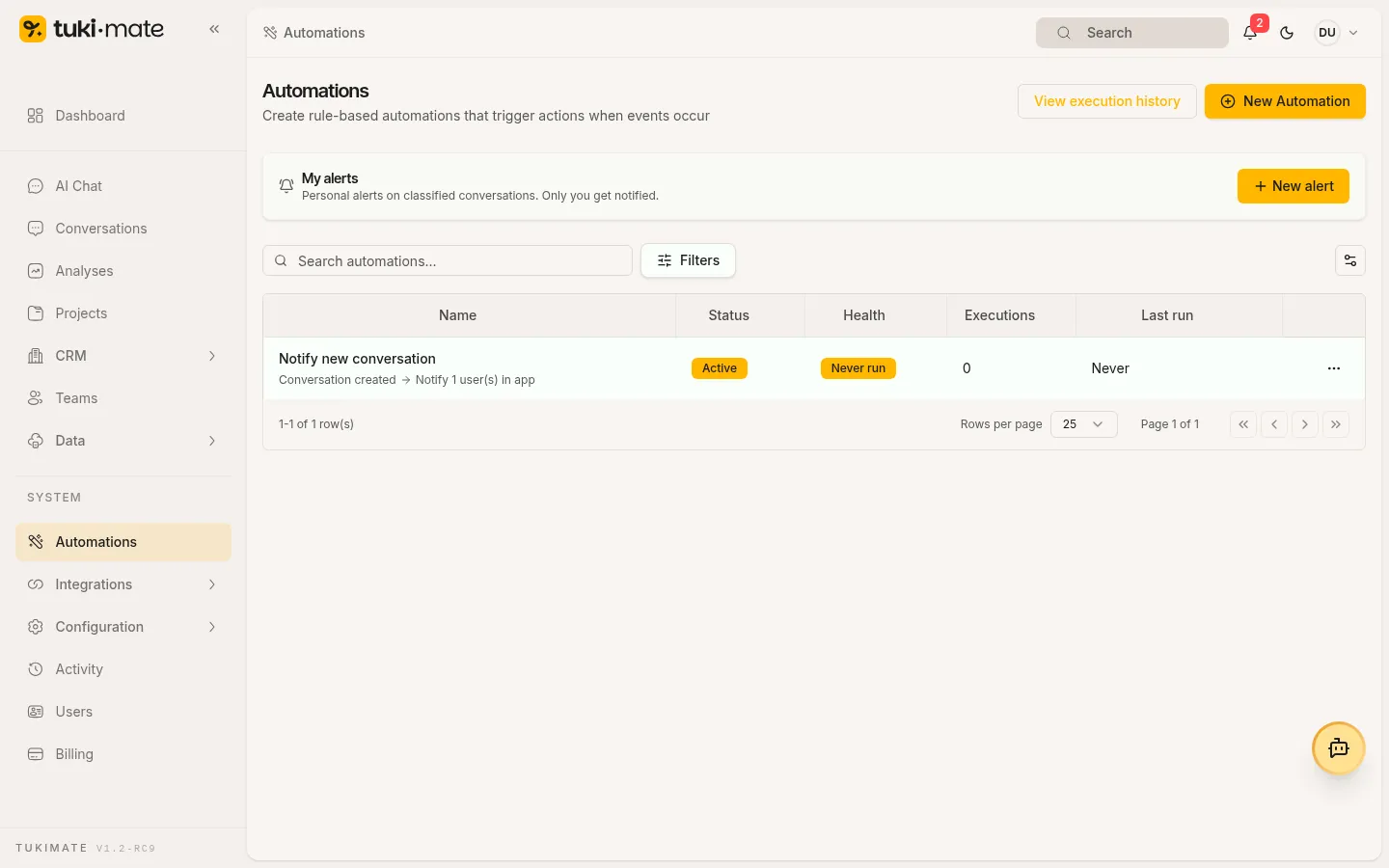
Read a rule
Each row summarizes the whole rule:
- Name and whether it is active or paused.
- Trigger: the event that starts it (for example, conversation created).
- Conditions → actions: what must hold and what it then does, with the health of the last execution.
Creating or editing rules requires administration permissions.